HPE Networking Instant On
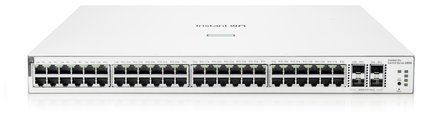
HPE Networking Instant On 1930 48G PoE 4SFP+ 370W Switch JL686B
- 48 x Gigabit
- 48 x PoE+
- 370 W
£654.99 inc VAT
SKU NE-TL-SF1009P · MPN TL-SF1009P
In stock, ships in 1 working day
9-port unmanaged desktop switch with eight PoE+ ports and priority power management, for adding PoE to a small office or workshop.
Buying for a hotel or business? Request a bulk quote
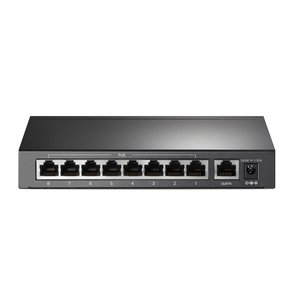
| Ports | 9 x RJ45 (8 PoE+) |
|---|---|
| PoE standards | 802.3af, 802.3at |
| Priority threshold | 65 W |
| Management | Unmanaged |
| Packed weight | 0.99 kg |
| Packed dimensions (mm) | 280 x 65 x 225 |
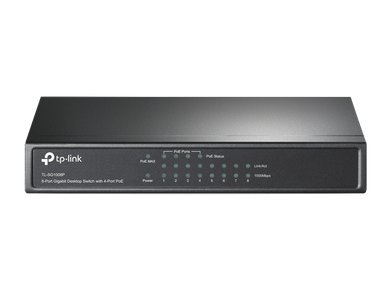
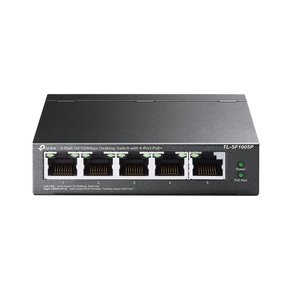
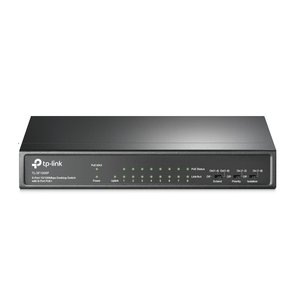
The TP-Link TL-SF1009P is a 9-port unmanaged desktop switch with eight PoE+ ports. It is an easy way to add PoE to a small office, reception area or workshop, with no configuration needed before the devices start drawing power.
The switch follows the 802.3af and 802.3at standards and detects compatible devices automatically. If the combined draw reaches 65 W, the priority function switches off the lowest-priority PoE port first, which protects the devices that matter most.
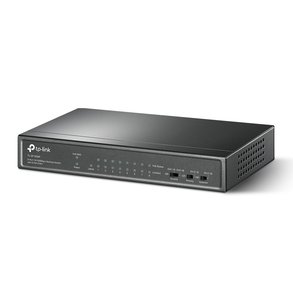
The unit is designed for desktop use and can also be wall mounted, so it fits a range of locations. Because it is unmanaged, there is nothing to configure, which keeps set-up quick for anyone running a small network.
Choose the TL-SF1009P for a small network that needs PoE for access points, cameras or phones and no management features. For managed options see our network switches. GGG Technologies can help you plan the PoE layout and installation.
Eight of the nine RJ45 ports are PoE+ ports.
The priority function cuts power to the lowest-priority port first once total draw reaches 65 W.
No. It is unmanaged and ready to use once connected.