TP-Link
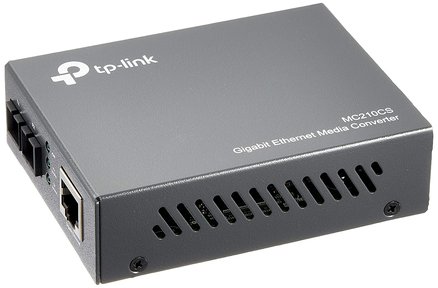
TP-Link Gigabit Single-Mode Media Converter (MC210CS)
- TP-Link
- Media converter
- Single-mode
£40.99 inc VAT
SKU NE-TL-SG105 · MPN TL-SG105
In stock, ships in 1 working day
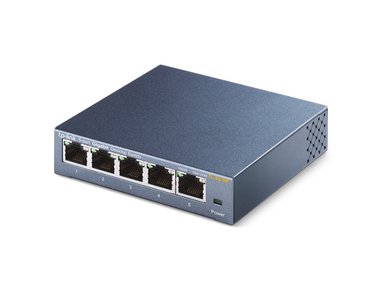
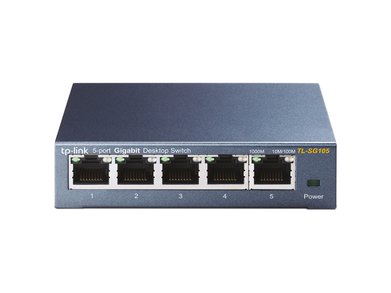
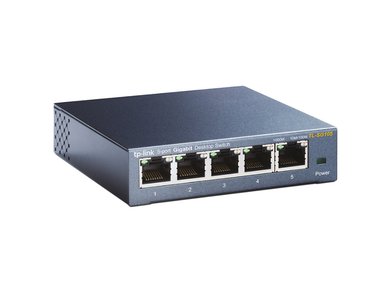
Five-port plug-and-play Gigabit switch with auto MDI/MDIX and auto-negotiation on every port, for workgroups and creative teams.
Buying for a hotel or business? Request a bulk quote
| Ports | 5 x RJ45 10/100/1000 Mbps |
|---|---|
| Management | Unmanaged, plug and play |
| Packed weight | 0.364 kg |
| Packed dimensions (mm) | 130 x 90 x 125 |
The TP-Link TL-SG105 is a five-port Gigabit desktop switch that works as soon as it is plugged in. It suits home offices, small workgroups and creative teams who regularly move large graphics, CAD or multimedia files across the network.
Each port automatically negotiates its speed at 10, 100 or 1000 Mbps to suit the device connected to it. Auto MDI/MDIX means you do not need crossover cables, which keeps installation simple and tidy.
The switch needs no configuration, so it is ready to use in minutes. It is a convenient way to add capacity behind a router or to extend a network to a desk that has only one socket.
Choose the TL-SG105 if you need five Gigabit ports that work without any setup. For other options, see our network switches. If you are planning a larger network, GGG Technologies can help you choose the right equipment.
No. The product data describes it as plug and play with no configuration required.
No. Auto MDI/MDIX on each port means standard cables work.
Each port auto-negotiates 10, 100 or 1000 Mbps depending on the connected device.