TP-Link
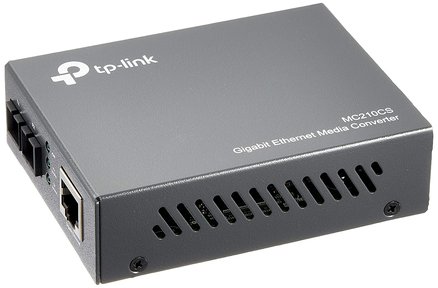
TP-Link Gigabit Single-Mode Media Converter (MC210CS)
- TP-Link
- Media converter
- Single-mode
£40.99 inc VAT
SKU NE-CPE210 · MPN CPE210
In stock, ships in 1 working day
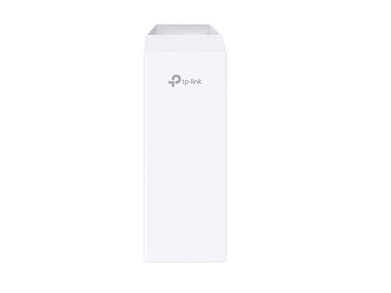
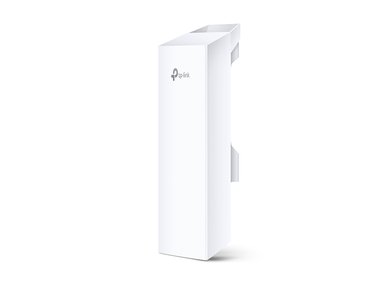
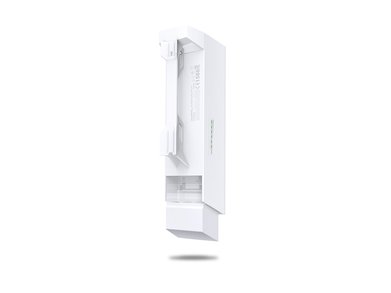
Outdoor 2.4 GHz WiFi 4 access point with a 9 dBi antenna and PoE power, managed centrally through the Pharos Control software.
Buying for a hotel or business? Request a bulk quote
| Radio | Wi-Fi 4 (802.11n) 2.4 GHz, 2x2 |
|---|---|
| Throughput | Up to 300 Mbps |
| Antenna gain | 9 dBi |
| Power | PoE |
| Location | Outdoor |
| Weight | 0.7 kg |
| Box size | 135 x 270 x 105 mm |
The TP-Link CPE210 is an outdoor access point for the 2.4 GHz band. It is suited to yards, car parks, farms and other external areas where a weatherproof unit needs to provide wireless coverage from a fixed position.
The unit has a 9 dBi antenna and a 2×2 design on the 2.4 GHz band, with a rated throughput of 300 Mbps. Power is supplied over the Ethernet cable through PoE, so no separate mains supply is needed at the mounting point.
Pharos Control software runs on a PC and lets you discover devices, monitor their status, upgrade firmware and carry out routine maintenance from one screen. This is useful when several units are installed across a site.
Choose the CPE210 for an outdoor 2.4 GHz link that needs PoE power and central management. For indoor or dual-band needs, see our WiFi access points range. Contact us if you need help positioning an outdoor unit.
Yes. It is listed as an outdoor access point with a 9 dBi antenna.
It is powered through PoE over the Ethernet cable.
Use the Pharos Control software to discover devices and monitor status, firmware and maintenance.