Network8 min read28 November 2026
Hotel Structured Cabling Buyer's Guide:
Cat6A, Fibre and What to Ask For
Cabling is the part of a hotel network you only want to pay for once. This guide explains the decisions that make a cabling project last for years, and what to check before you accept a quote.
Every hotel system now depends on the network: guest WiFi, phones, TVs, door locks, cameras, payment terminals and the PMS. The cabling behind the walls is the one part you cannot easily upgrade later, because reaching it means opening ceilings and walls in an occupied building. A good cabling design leaves room to grow and is documented so that the next engineer can understand it. A poor one causes faults for years and costs more every time something is added.
Decide What the Cabling Must Carry
List everything that will connect to the network now and in the next five to ten years. In a hotel that normally includes WiFi access points (often one per few rooms or one in each corridor), IP phones, IPTV and smart room controllers, CCTV cameras, door lock gateways, digital signage, building management and sensors. Many of these are powered over the cable (Power over Ethernet, PoE), so the cabling must handle both data and power safely.
Copper: Why Category 6A Is the Usual Choice
For new installations, Category 6A copper is the common choice for horizontal runs, which are the cables from a floor comms cabinet to each room, access point or device. It supports 10 Gigabit Ethernet over standard distances and gives more headroom for PoE devices and future WiFi access points than older categories. The permanent link between the patch panel and the outlet is limited to 90 metres, with a total channel of 100 metres including patch leads, so the position of your comms cabinets matters.
Ask whether shielded or unshielded cable is proposed, and why. Shielded cable can help in noisy environments and with heat in bundles, but it needs correct earthing and installation. Unshielded Category 6A is used widely and is easier to terminate. Either choice is fine if it is installed and tested properly.
Fibre for the Backbone
Between the main equipment room and the floor cabinets, or between buildings, fibre optic cable is normally used. It covers longer distances, carries more traffic and does not suffer electrical interference. Multi-mode fibre is typical for shorter runs inside a building, and single-mode for longer or campus links. Ask for spare fibre cores, because adding them later is expensive, and ask what the backbone capacity is for the equipment you plan to install.
Comms Rooms, Cabinets and Cooling
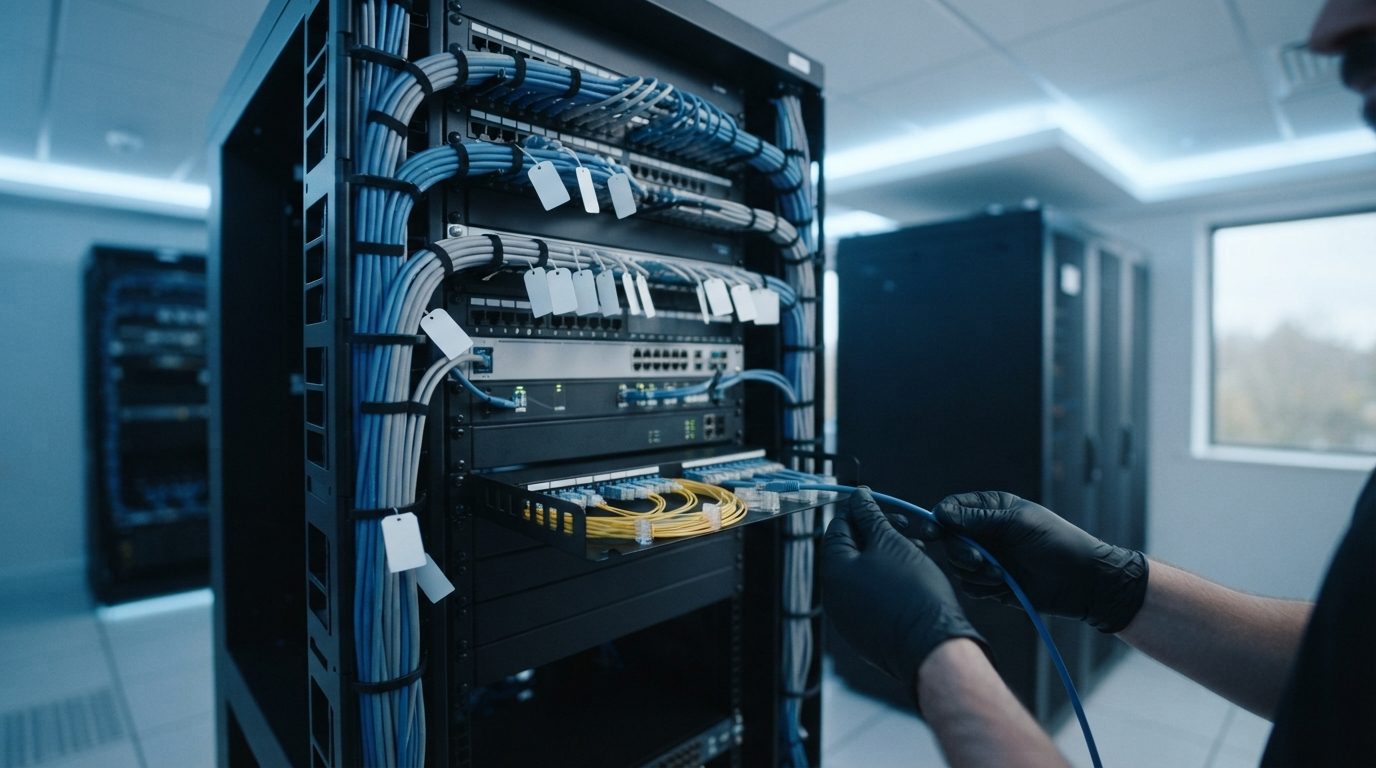
Comms cabinets need space, power, ventilation and a clean, locked room. Typical problems are a cabinet in a cupboard with no airflow, no spare power sockets and cables dropped in loosely. Ask where each cabinet will be, what powers it, how it is cooled and how it is protected from unauthorised access. A UPS in the main equipment room keeps the network alive through short power cuts. Plan the space for growth, not only for today's equipment.
Fire Performance and Fire-Stopping
Cables in public buildings must meet fire performance requirements. In the UK, cable fire performance is classified under the Construction Products Regulation using a Euroclass rating, and BS 7671 sets out how it applies to installations. Ask which class is proposed for each area, and check it against your fire strategy and insurer's requirements. Holes made through fire-rated walls and floors must be sealed again with approved fire-stopping, and it should be recorded in the handover documents.
Testing, Labelling and Documentation
A cabling job is only finished when it is tested and documented. Ask for:
- Certification test results for every copper link, produced with a recognised cable certifier, and test results for every fibre link.
- Clear labelling at both ends of every cable, matching the drawings.
- As-built drawings showing cable routes, cabinet positions and outlet locations.
- A patch panel schedule that tells your engineers which port goes to which room.
Without this, a simple fault can cost hours of tracing cables.
Working in an Occupied Hotel
Cabling often means drilling, ceiling access and noise. Agree working hours, which floors will be out of use, how noise and dust are managed, and how rooms are handed back. Ask how the installer protects fire doors and finishes, and how they communicate with housekeeping and reception. A project plan that follows your quiet periods saves complaints and lost revenue. Our on-site team can also support the hotel during the works.
Common Mistakes
- Too few outlets. Count access points, phones, cameras and TVs, then add spare capacity.
- Cabinets too far apart, so links exceed the distance limit.
- Reusing old cabling without testing it.
- No documentation, so the next job starts with guesswork.
- Ignoring fire-stopping and cable fire ratings.
- Buying only on the price per point. Compare what is included: testing, labelling, containment and making good.
Questions to Ask Before You Accept a Quote
- Which cable category and fire rating is proposed in each area?
- How many outlets per room and per corridor, and what spare capacity is included?
- Where are the comms cabinets, and how are they powered and cooled?
- What fibre backbone is proposed, with how many spare cores?
- Will you provide test results, labelling, as-built drawings and a patch schedule?
- How is fire-stopping handled and recorded?
- What is the programme, and how does it fit around guests?
Frequently Asked Questions
Is Wi-Fi enough, so we do not need so much cabling?
WiFi still needs cabling. Every access point needs a network cable, and good coverage in a hotel usually means many access points. Cabling also carries phones, cameras and locks that should not depend on WiFi.
Can we reuse our old cabling?
Sometimes. Older copper may support current needs, but it should be tested and checked for category, damage and fire rating before you rely on it. The survey should say what can stay.
How long does cabling last?
Well-installed cabling commonly stays in use for many years and through several generations of equipment, which is why quality and spare capacity matter more than the lowest price.
Getting Expert Help
Our hotel structured cabling service covers surveys, copper and fibre installation, comms room builds, testing and documentation, and supports the network and WiFi that runs on top of it. You can request a quote or book a visit and we will walk the property with you.
Free on-site assessment — no obligation.
Planning a cabling project or a network upgrade?
We will survey the building, check what can be reused and give you a clear written proposal before any work starts.
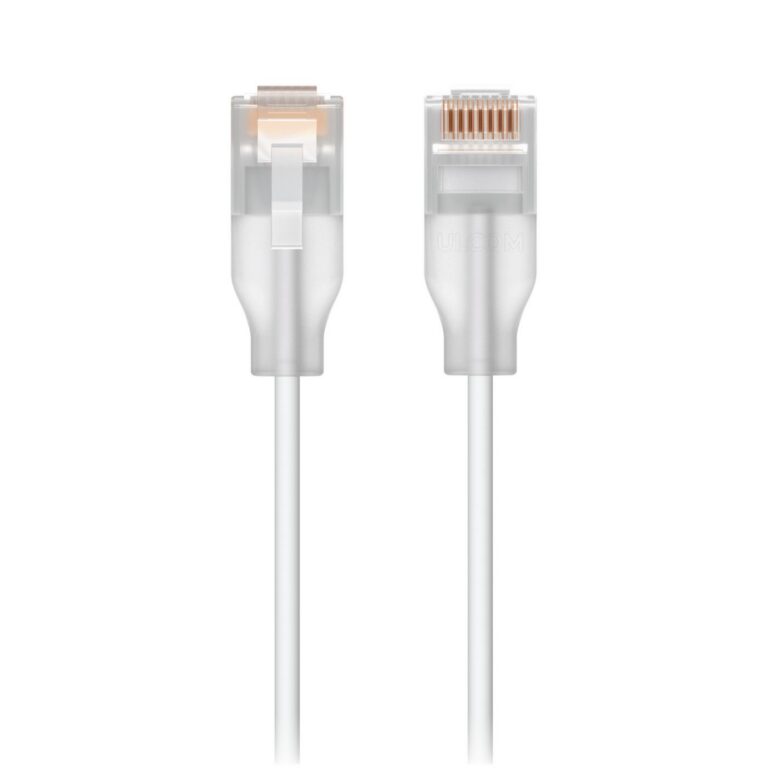
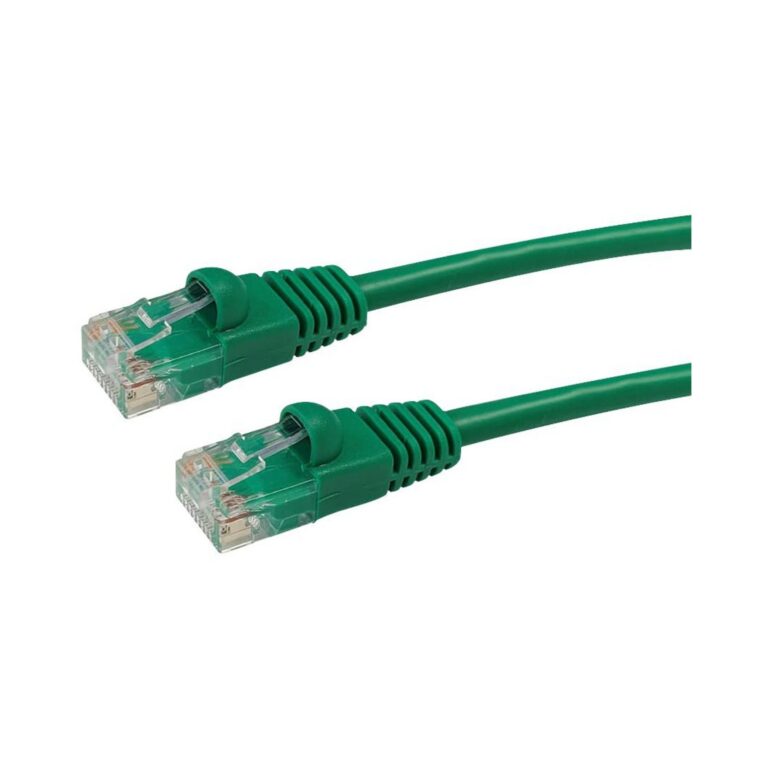
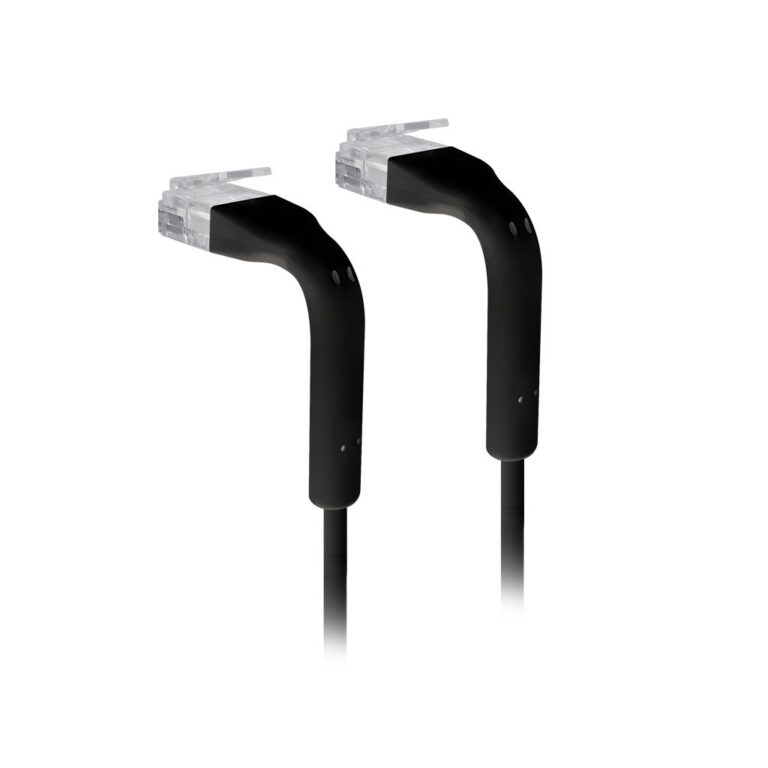
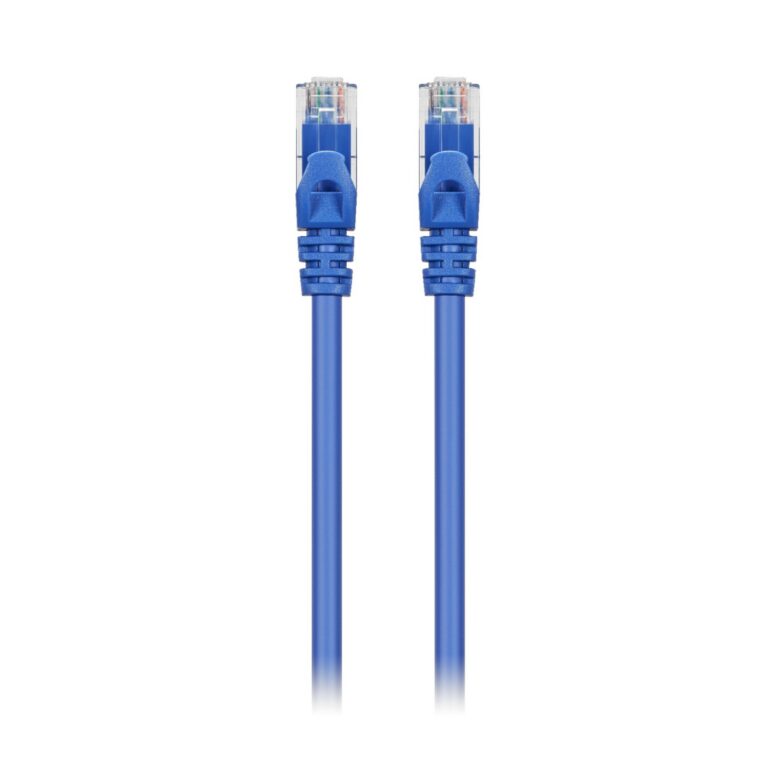
Equipment for this: Network Cables
We also sell this kind of hardware, with UK stock and tracked delivery. See all network cables or browse the shop.