Ubiquiti
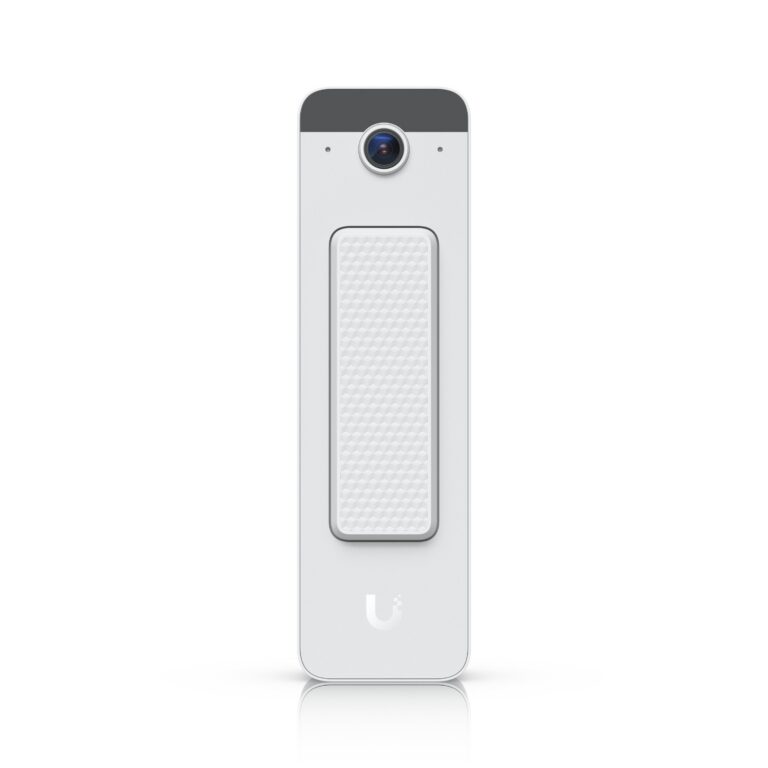
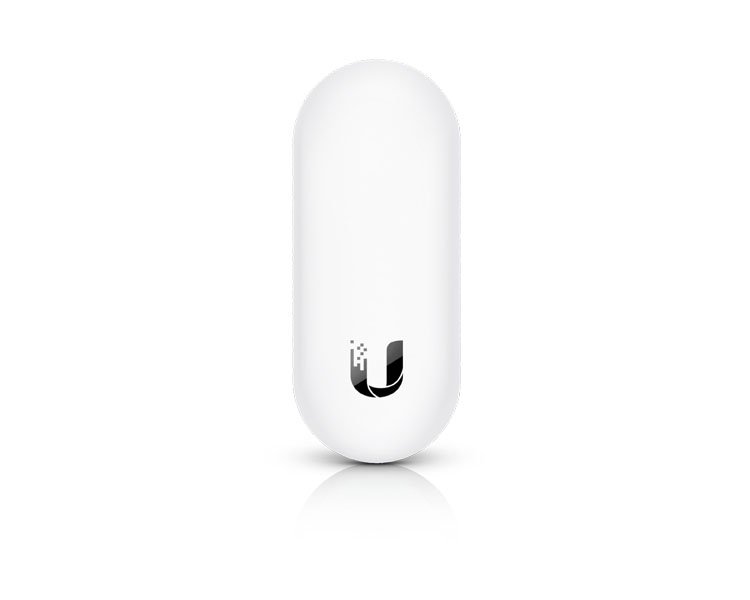
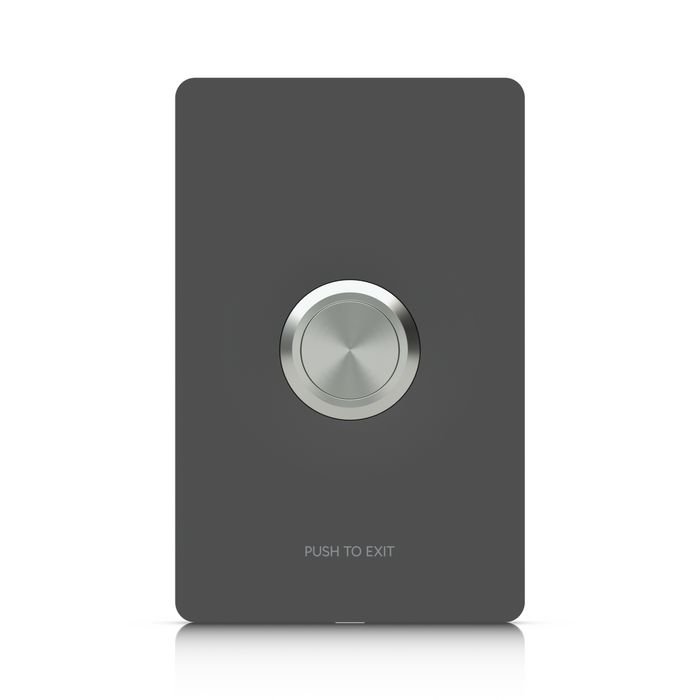
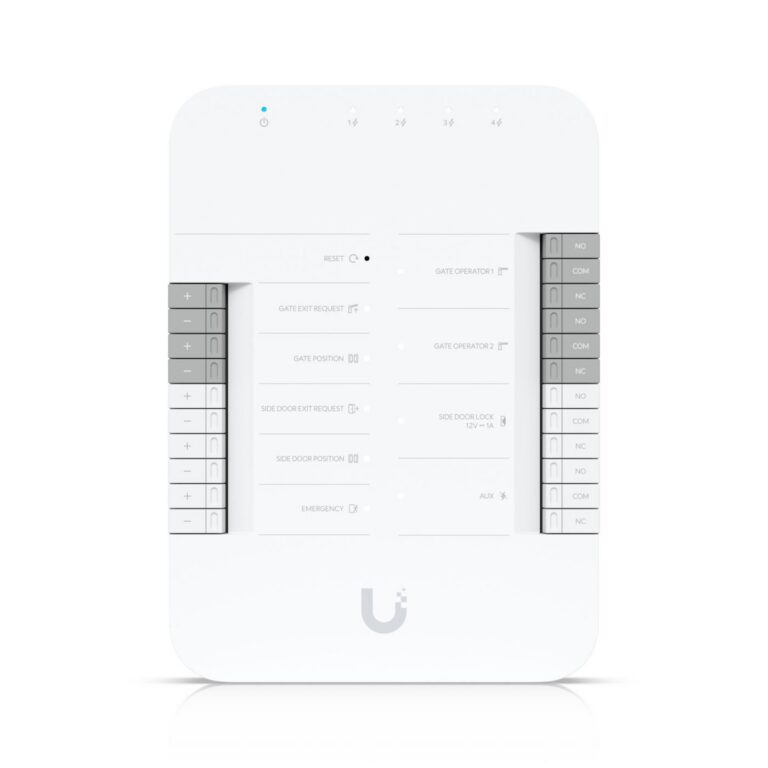
Ubiquiti UniFi Access Hub IP Networked Gate Controller – UA-HUB-GATE
- Gate control within UniFi Access
- IP network
- 0.756 kg
£334.99
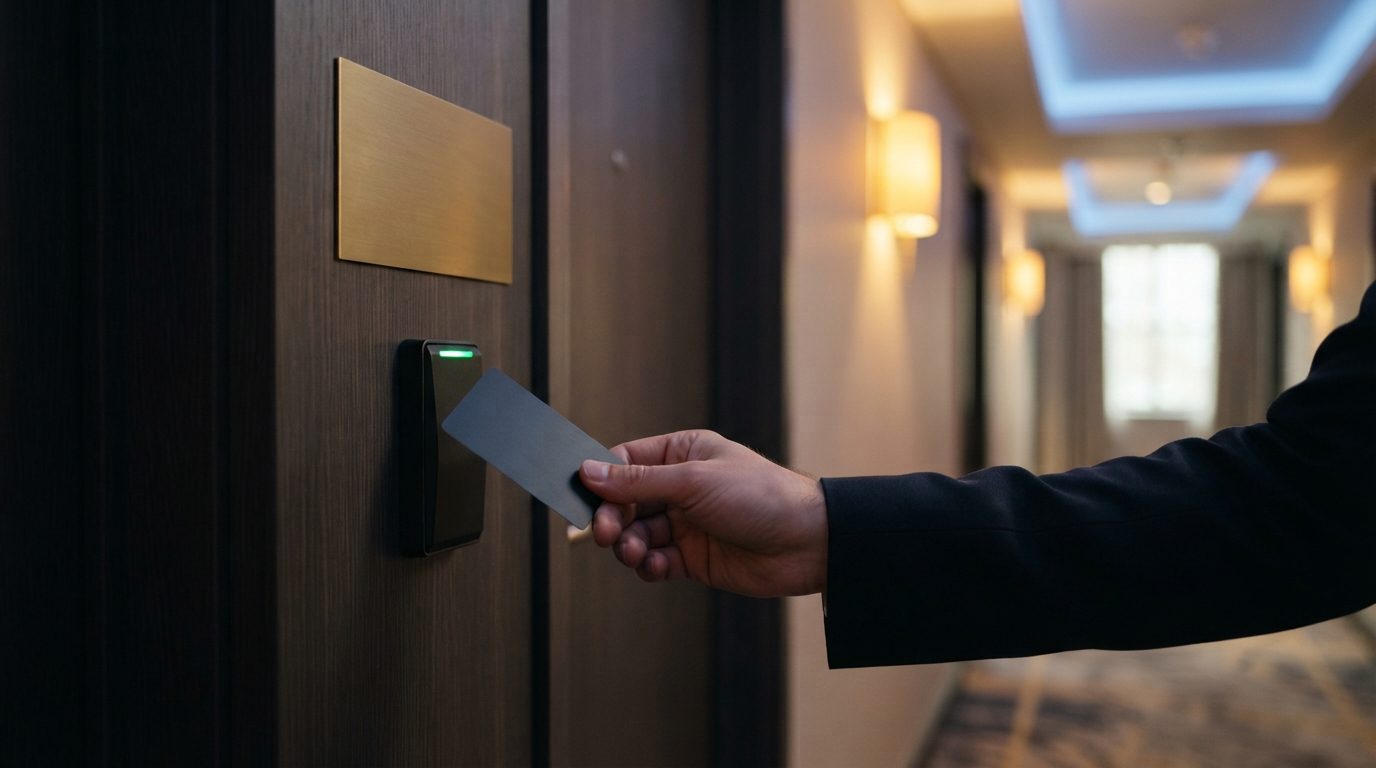
Room locks, staff doors and lifts decide who can go where in your hotel. This guide covers the decisions to make before you ask for quotes, from key technology to fire safety and PMS integration.
Access control in a hotel does two jobs. It lets guests reach their rooms with as little friction as possible, and it controls who among your staff, contractors and visitors can enter the rest of the building. A good system also leaves a record of what happened, which is useful after a theft allegation, a guest complaint or an insurance claim. It is a safety system as well as a convenience, so the decisions below deserve more attention than the colour of the key card.
Start with a list of every door and what it needs. Typical categories are:
This list becomes the basis for the quotes and the access rules, so involve housekeeping, maintenance, security and the front desk. They know which doors cause problems.
Most hotels use contactless key cards. Modern systems use encrypted card technology, not the simple cards that can be copied easily. Ask which card technology is proposed, whether it is encrypted and which other products from the same manufacturer you would be locked into.
Mobile keys let a guest open the door with a phone, often through the hotel's app or a web link sent before arrival. They can speed up check-in, but they depend on the guest's phone, battery and settings. Keep cards as a fallback, and make sure staff can issue a replacement quickly. Wristbands and fobs suit spas, pools and resorts where guests do not want to carry a card.
An online lock is connected to the access control server, so it can receive changes immediately and report events. An offline lock stores its rules and gets updates from the card or a handheld device, which keeps installation costs down but delays changes and the audit record. Many hotels use both: online locks on key doors and common areas, and offline locks on guest rooms. Ask the supplier to explain what happens at each door if the network is down.
When the lock system is linked to the property management system (PMS), a key is created at check-in, an extended stay or room move updates the key automatically, and a check-out cancels it. Without that link, staff encode keys by hand, which takes time and causes mistakes. Check that the supplier's integration supports your exact PMS and version, who maintains the interface and what happens at the desk if it fails. Our page on PMS integration explains how these connections work.
Doors on escape routes must open when people need to leave, whatever the state of the access control system. Electronic locks on those doors must release when the fire alarm is activated or when power fails, as set out in your fire risk assessment and the relevant building regulations. Ask the installer to confirm which doors are on escape routes, how each lock behaves on power loss and alarm, and who signs this off. Do not treat this as a detail left until commissioning.
Staff credentials should be tied to a person and a role, with the access they need and no more. Housekeeping may need all rooms on their floor for their shift, a manager more, and a contractor only the areas and times in their job. Ask how quickly a lost or stolen card can be cancelled, whether the system keeps a log of every lock event and how long the log is stored. Logs show who was at a door, so they count as personal data. Decide who can view them and for what purpose, and keep them for a defined period.
Most room locks run on batteries. Ask how low battery warnings reach the maintenance team, how often locks are checked and what a typical battery change involves. A system that stays working relies on firmware updates, spare locks and parts, and a clear way to report a failed door at 2am. Ask what the support arrangement is and who attends out of hours.
Often yes, but check that new and existing locks can be managed from one system. Running two systems side by side doubles the work for the front desk.
They can be, when the credential is encrypted and delivered through the manufacturer's platform. Ask how a credential is revoked and what happens if a guest loses their phone.
Many systems can restrict lift floors with the guest's credential, though it usually depends on the lift manufacturer and may need a separate interface. Ask for this at the survey stage.
Our hotel access control service covers surveys, room and back-of-house systems, PMS links and ongoing support, with the cabling handled by our structured cabling team. You can request a quote or book a visit and we will walk the property with you.
We will list your doors, check the existing locks and cabling and give you a clear written plan before any work starts.
We also sell this kind of hardware, with UK stock and tracked delivery. See all ip access control or browse the shop.