Ubiquiti
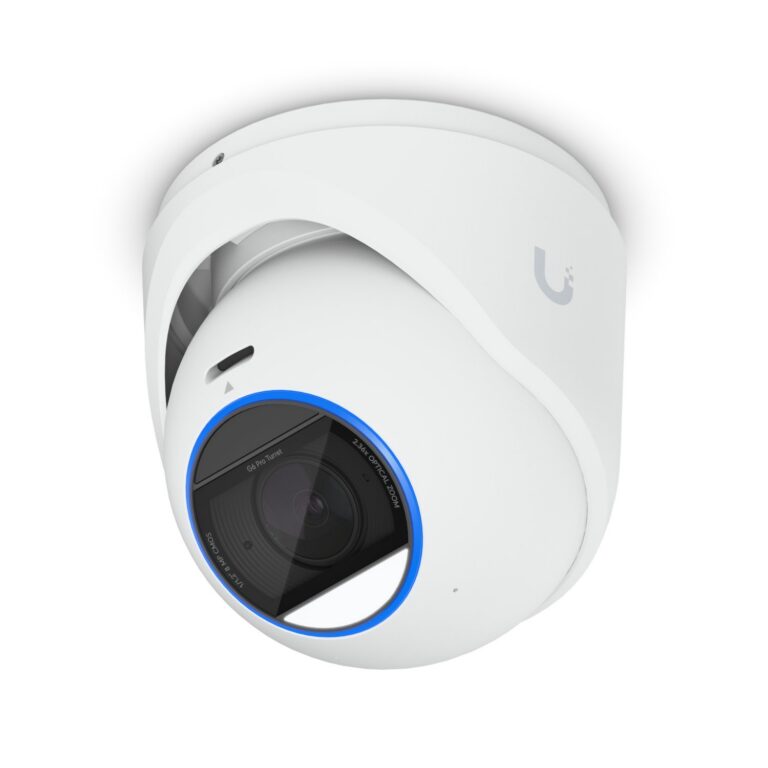
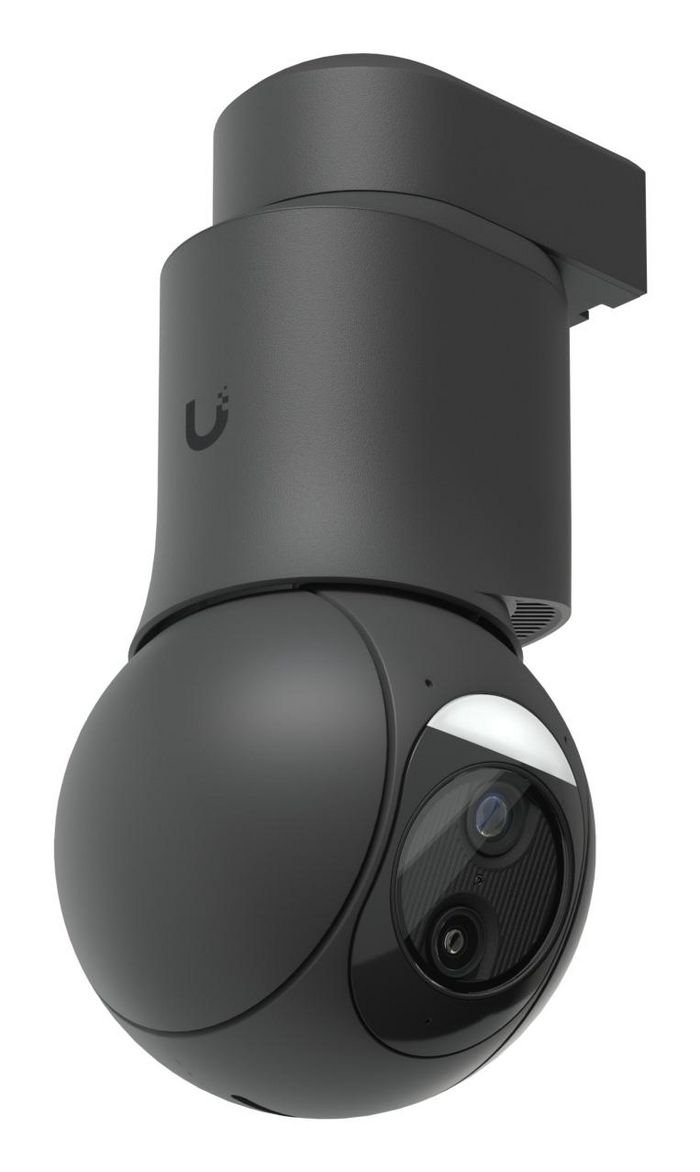
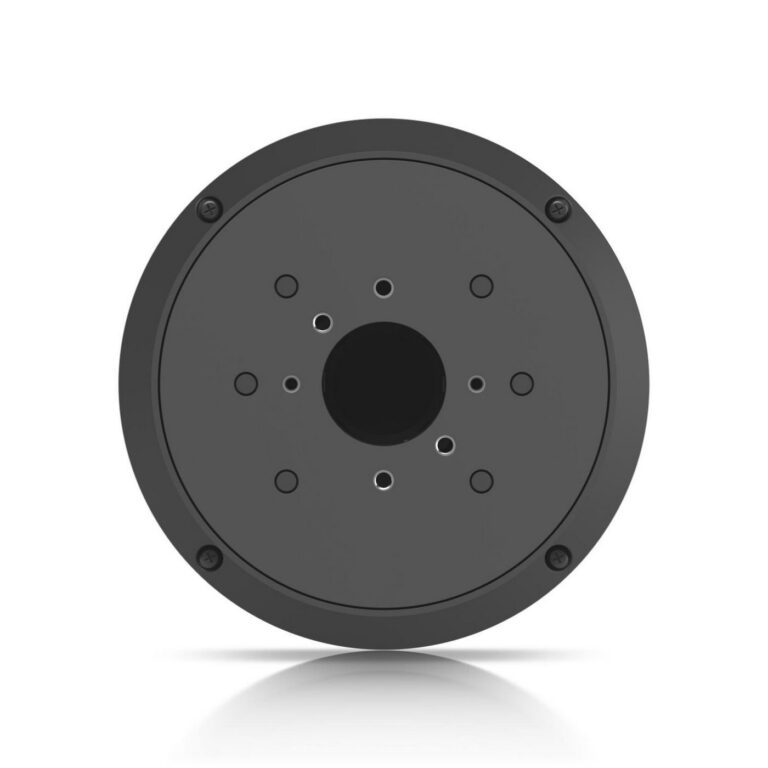
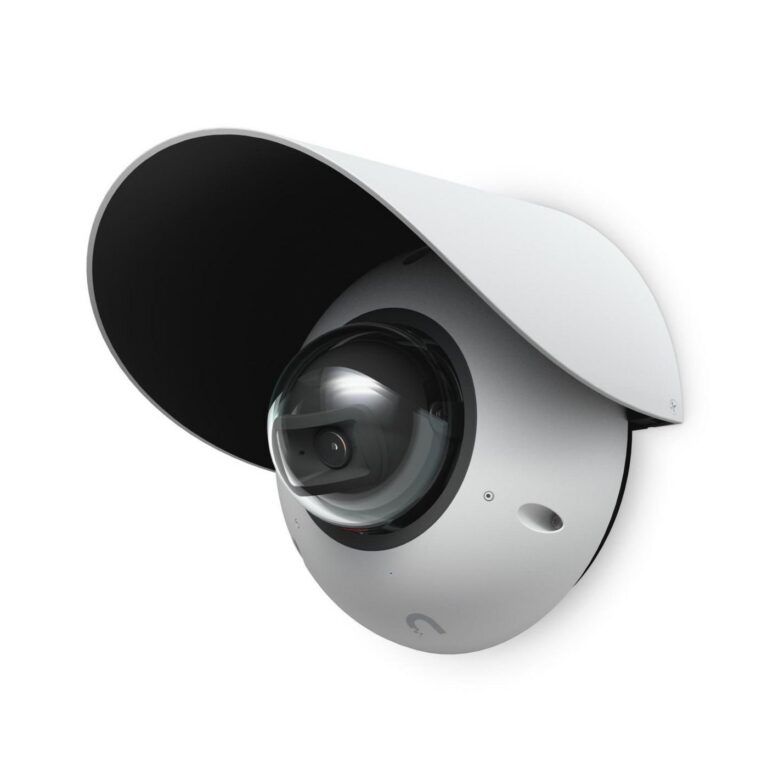
Ubiquiti UACC-G6-DOME-WS-W Cover for the UVC-G6-Dome
- Ubiquiti UVC-G6-Dome
- Weather shield
- 0.2 kg
£32.99

A hotel CCTV system has to protect guests, staff and property while respecting guest privacy and UK data protection law. This guide covers the decisions that matter before you compare quotes.
CCTV in a hotel does several jobs at once. It deters theft and anti-social behaviour, helps staff respond to incidents, supports insurance claims and gives management evidence when something goes wrong. It also records guests and staff going about their day, which means it is personal data under UK law. A good system is planned around both sides: what you need to see, and what you are allowed to keep.
Before talking about cameras, list the places where you actually need footage and why. Typical hotel coverage includes:
Never place cameras where people have a strong expectation of privacy: guest bedrooms, bathrooms, changing rooms and staff rest areas. Point corridor cameras along the corridor, not into doorways.
Modern systems use IP cameras powered over the network cable (Power over Ethernet), so each camera needs one cable back to a PoE switch. That keeps installation tidy and lets the system grow, but it also means the cameras sit on your network, so the network design matters (see below).
Hotel entrances are hard for cameras: bright daylight behind a dark lobby makes faces into silhouettes. Ask for cameras with wide dynamic range (WDR) for glazed entrances, and infrared or low-light capability for car parks and outside areas at night.
Decide what each camera is for. A camera covering a whole car park gives an overview; a camera at the front door should capture faces clearly. Asking the installer to state the purpose of each camera on the plan is the simplest way to check you are getting the right lens and position.
Footage is recorded on a network video recorder (NVR) or a server. How much storage you need depends on the number of cameras, their resolution, how much movement they see and how many days you keep footage. Modern compression (such as H.265) reduces storage needs considerably.
UK data protection law does not set a fixed retention period for CCTV. Instead you must keep footage only for as long as you need it for your stated purpose, then let it overwrite. Decide that period, write it down and set the recorder to match it. Keeping footage "just in case" for months is harder to justify than a defined, regularly overwritten period.
The Information Commissioner's Office (ICO) publishes guidance on video surveillance for organisations. In practice, a hotel using CCTV should:
This guide is general information, not legal advice. Check the ICO's current guidance for your own situation.
Cameras and recorders are network devices, and badly secured ones are a common way into a business network. Ask your installer to:
Our guide to cyber security threats facing UK hotels explains why connected devices need the same care as computers.
Most hotel systems are not watched live. They are reviewed after an incident, so the quality of the recording and how quickly you can find the right moment matter more than the number of screens in the back office. Decide in advance who is allowed to review footage, how a request from the police or an insurer is handled, and who exports clips. A system that only the installer knows how to operate is a risk on the day you need it.
If you want live monitoring, for example at reception or a night manager's desk, say so at the survey stage. It changes the screen, the network capacity and the way alerts are set up.
People whose image is recorded can ask to see it. This is called a subject access request, and the ICO's guidance explains how to handle one. In practice you need a way to find a person's footage by date, time and camera, and a way to blur other people in the clip where that is needed. Ask whether the recorder software can export a clip together with a viewer, and whether the export is logged.
Keep a simple log of every time footage is shown or handed over, with who asked, why and what was released. That one page answers most questions later.
CCTV is more useful when it is not an island. Common links in hotels are door contacts and access control events that bookmark the footage when a door is forced or held open, and alarm inputs that start recording at a higher quality. These links are optional, but it is far cheaper to plan the cabling and recorder inputs for them now than to add them later.
Cameras fail quietly. A lens gets dirty, a spider web triggers constant recording, a disk fails and nobody knows until the footage is needed. Ask for a maintenance plan that includes lens cleaning, a check that every camera is recording, disk health checks and a periodic restore of a test clip.
There is no fixed legal period. Keep it for as long as you genuinely need it for the purpose you documented, then let it overwrite. Many businesses choose a short period measured in days or weeks, and keep specific clips longer only when an incident requires it.
Most organisations that process personal data, including through CCTV, pay a data protection fee to the ICO unless an exemption applies. The ICO has a short online check, so confirm your position there.
Signs must tell people that CCTV is in operation. Cameras themselves should not be hidden in places where people would not expect to be recorded. Covert recording is a separate and very limited matter.
Yes, but it should be done through a secure method such as a VPN or the manufacturer's secure cloud relay, with individual logins, and not by opening ports on the router.
Our hotel CCTV service covers site surveys, IP camera installation, recorder set-up and ongoing maintenance, with the cabling handled by our structured cabling team. You can request a quote or book a visit and we will walk the property with you.
We will walk the property with you, agree what each camera needs to see and give you a clear written plan before any work starts.
We also sell this kind of hardware, with UK stock and tracked delivery. See all cctv or browse the shop.