Jabra
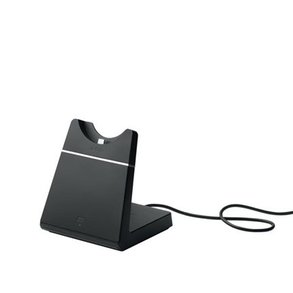
Jabra Evolve 65 Charging Stand
- Evolve 65 MS mono, MS stereo, UC mono, UC stereo
- Charging stand
- 1 kg
£97.99 inc VAT
SKU NE-UH34-LITE-MONO-TEAMS · MPN UH34-LITE-MONO-TEAMS
In stock, ships in 1 working day
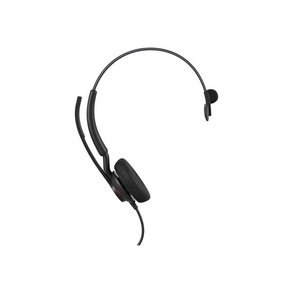
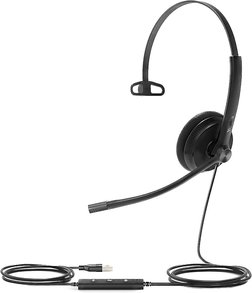
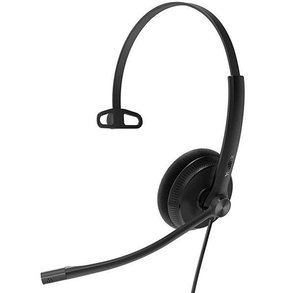
Single-ear USB headset for Microsoft Teams with a soft foam ear cushion and a handheld controller to answer, end and mute calls.
Buying for a hotel or business? Request a bulk quote
| Wearing style | Mono, single ear |
|---|---|
| Connection | USB |
| Compatibility | Microsoft Teams and Yealink deskphones |
| Call controls | Handheld controller |
| Weight | 0.148 kg |
The Yealink UH34 Lite Mono is a wired USB headset for staff who make calls from a computer or desk phone, and it is set up for Microsoft Teams. It plugs into a USB port, so you can start taking calls without a complicated installation.
A soft foam ear cushion rests gently over the ear, which helps reduce pressure when a headset is worn for a long stretch. The microphone is positioned to pick up your voice clearly, so the person on the other end hears you without you having to lean towards the screen.
The handheld controller lets you answer and end calls, adjust the volume and mute the microphone with a single button press. That makes it practical for reception desks, shared workstations and anyone who needs to step away from the keyboard during a call.
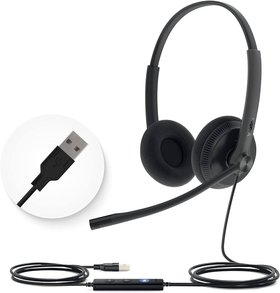
Choose this headset if you need a single-ear USB headset for Teams calls and want a simple, dependable design. It also works with Yealink deskphones. For a second ear or another connection type, see our headsets range. GGG Technologies can help you choose the right option for your team.
Yes, this version is set up for Microsoft Teams calls. It also works with Yealink deskphones.
It is a USB headset. For the full specification and any driver details, check the manufacturer datasheet.
Yes, the handheld controller on the cable lets you answer and end calls, adjust the volume and mute the microphone.