Ubiquiti
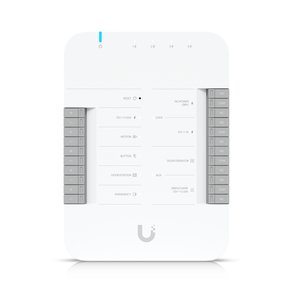
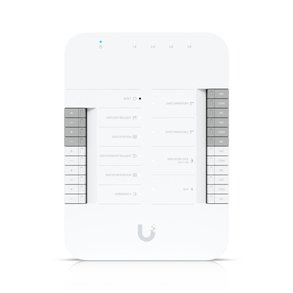
Ubiquiti UniFi Access Hub IP Networked Gate Controller – UA-HUB-GATE
- Gate control within UniFi Access
- IP network
- 0.756 kg
£335.99 inc VAT
SKU NE-UACC-BULLET-AB-W · MPN UACC-BULLET-AB-W
In stock, ships in 1 working day
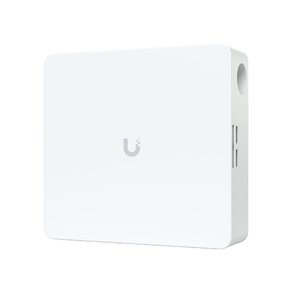
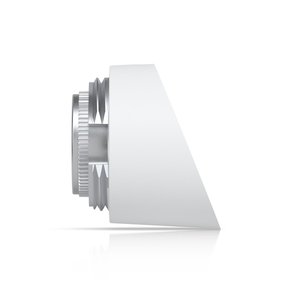
Angled base for Ubiquiti bullet cameras, letting you point the lens downwards or to the side when a straight-on mount does not give the view you need.
Buying for a hotel or business? Request a bulk quote
| Compatible camera | Ubiquiti bullet cameras |
|---|---|
| Type | Angled camera base |
| Weight | 0.2 kg |
This angled base is an accessory for Ubiquiti bullet cameras. It sets the camera at an angle so you can aim the lens at the area you need to cover, rather than being limited to a straight-on view from the wall. It suits entrances, car parks and corridors where the best view is at a slant.
A straight mount does not always point the lens where it is needed. An angled base lets you adjust the camera’s direction to cover a doorway, a path or a loading area more effectively. Set the angle during installation, then check the picture on the recorder or app before you finish.
Check that the base is compatible with your bullet camera before ordering. Mount the base to a suitable surface using appropriate fixings, then attach the camera as described in the manufacturer’s guide. Keep the cable route clear of the bracket so it does not get pinched when you set the angle.
Choose this base if you have a Ubiquiti bullet camera that needs to look down or sideways for a better view. For more mounts and camera parts, browse our IP CCTV accessories. GGG Technologies can help you position the cameras correctly, so ask us if you are unsure of the best angle.
It is an accessory for Ubiquiti bullet cameras. Confirm the model before ordering.
Check the manufacturer datasheet for the adjustment range.
Check the product contents on delivery and the manufacturer datasheet.