MikroTik
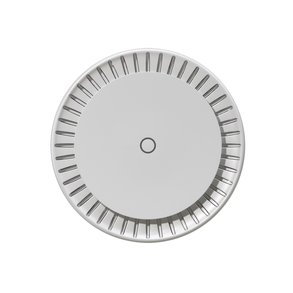
MikroTik cAP LTE12 ax Wi-Fi 6 Ceiling Access Point with LTE Cat 12
- MikroTik
- LTE Category 12
- Up to 600 Mbps
£189.99 inc VAT
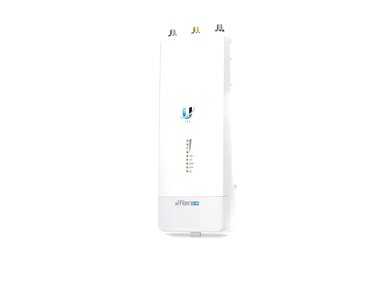
SKU NE-AF-5XHD · MPN AF-5XHD
Only 1 left
Outdoor 5GHz AirFiber point-to-point radio, packed weight about 1 kg. Check the datasheet for range, gain and any antenna needed.
Buying for a hotel or business? Request a bulk quote
| Frequency band | 5GHz |
|---|---|
| Type | Point-to-point radio |
| Packed weight | 1.014 kg |
| Packed size | 250 x 125 x 110 mm |
The Ubiquiti AirFiber AF-5XHD is an outdoor 5GHz point-to-point radio for building wireless links between two locations. It is a dedicated link radio, which suits connections where a fixed wireless path is needed between buildings or sites.
The product details we hold for this model are limited. They list a packed size of around 250 x 125 x 110 mm and a packed weight of about 1 kg, but they do not give range, gain, throughput or antenna details. The manufacturer datasheet is the reliable source for those figures, and it will also show whether the unit needs a separate antenna for your link.
Choose the AF-5XHD if you need a 5GHz point-to-point radio and have confirmed its specification and antenna requirements for your route. For other link types, compare the options in our point-to-point wireless range. GGG Technologies can survey the path and advise before you buy.
It is an outdoor 5GHz point-to-point radio for building a wireless link between two locations.
The product details we hold do not list a range. Check the manufacturer datasheet for the figure and the conditions behind it.
Check the datasheet to see whether an antenna is required for your link. GGG Technologies can advise on the correct set-up.