Shelly
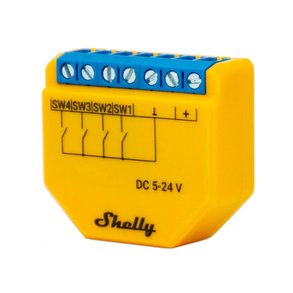
Shelly Plus Uni Smart WiFi Operated Module for Low-Voltage Applications
- Digital and analogue
- Yes
- WiFi
£13.99 inc VAT
SKU NE-SHELLY-WALL-SWITCH-4-WHITE · MPN SHELLY-WALL-SWITCH-4-WHITE
In stock, ships in 1 working day
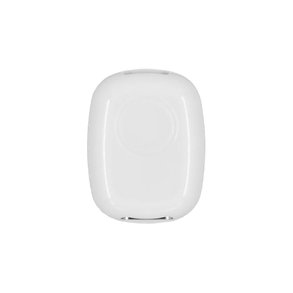
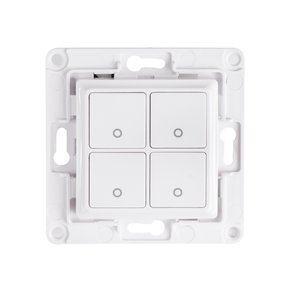
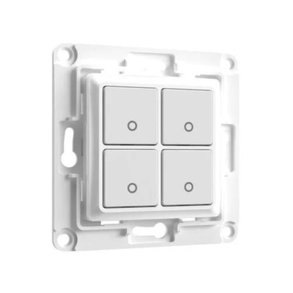
Four-button white wall switch with a rear frame for a Shelly Plus or Mini module, turning an ordinary wall plate into programmable smart controls.
Buying for a hotel or business? Request a bulk quote
| Buttons | 4 |
|---|---|
| Connectivity | WiFi |
| Power supply | 240V |
| Colour | White |
| Product series | Plus |
| Weight | 0.06 kg |
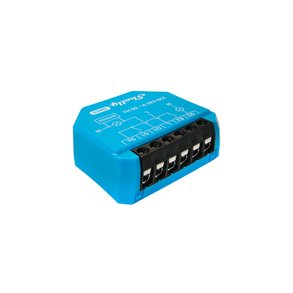
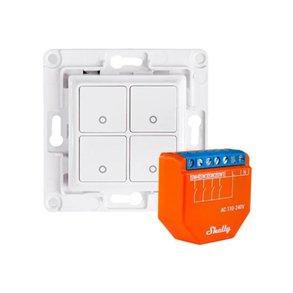
The Shelly Wall Switch 4 (White) is a four-button wall switch that puts smart controls where people already expect a light switch to be. A Shelly Plus or Mini device clips into a frame on the back, so each button can be set up to drive lights, heating, blinds or scenes around the building.
Each of the four buttons can be programmed separately, so one plate can switch a single device or start a routine that involves several devices at once. The switch connects over WiFi, which means it sits on the same network as the rest of your Shelly equipment and can be managed from the Shelly app.
The unit is designed for a 240V mains supply and can be fitted in place of a standard wall switch using the existing wiring. Check that your Shelly module suits the loads you plan to control before you order, and have the installation carried out by a qualified electrician if you are not certain about the wiring.
This switch suits homes, offices and guest rooms where a physical control point is still wanted alongside app and voice control. For more options, browse our smart controllers and hubs. GGG Technologies can advise on the right module and wiring for your site.
The switch has a frame on the back for a Shelly Plus or Mini device. The module carries out the switching, so choose one that suits the loads you want to control.
The switch connects over WiFi to your Shelly network.
It is designed to be installed in place of a standard switch on a 240V supply. Check the fitting depth and wiring against the manufacturer datasheet, or ask GGG Technologies for guidance.