Yealink
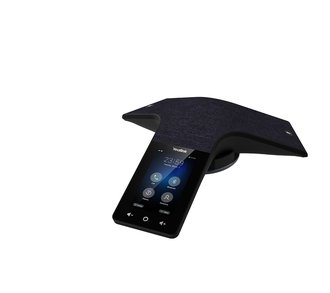
Yealink CP935W WiFi VoIP/SIP 5-Way Conference Phone
- 4-inch colour touch screen
- WiFi
- VoIP and SIP
£608.99 inc VAT
SKU NE-PSU5000 · MPN PSU5000
In stock, ships in 1 working day
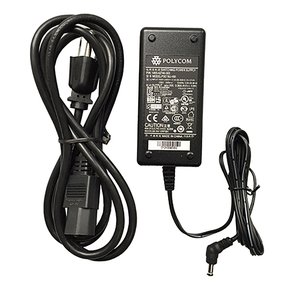
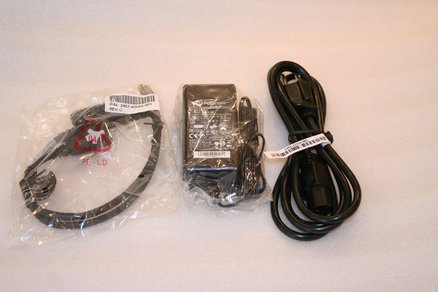
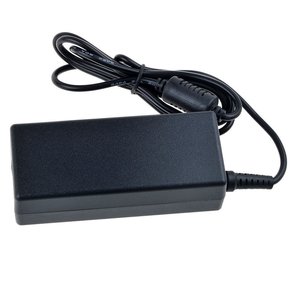
Replacement power supply for the Polycom SoundStation IP 5000 conference phone, for sites that need a spare or a new unit.
Buying for a hotel or business? Request a bulk quote
| Compatible with | Polycom SoundStation IP 5000 |
|---|---|
| Weight | 0.45 kg |
| Box dimensions | 90 x 90 x 70 mm (L x W x H) |
The PSU5000 is a power supply designed for the Polycom SoundStation IP 5000 conference phone. It is useful when a unit has been lost or damaged, or when you want a spare on hand so that a meeting room is not left without power.
A conference phone that is not powered cannot take calls, so a replacement supply can get a room back in use quickly. Keeping a spare with your other office equipment saves time when a fault occurs.
This unit is listed as compatible with the SoundStation IP 5000. Before ordering, confirm the model number on your phone and check the manufacturer datasheet for the output rating and connector type, so you know it will match your device.
Choose the PSU5000 if you already have a SoundStation IP 5000 and need a replacement or spare power supply. If you are considering a new conference phone instead, see our conference phones range. GGG Technologies can help you identify the right part for your device, so get in touch if you are not sure.
It is listed as compatible with the Polycom SoundStation IP 5000.
A conference phone without power cannot take calls, so a spare means a room can be back in use quickly after a fault.
Check your phone's model number and the manufacturer datasheet for the output rating and connector before you order.