Shelly
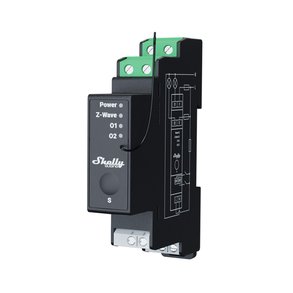
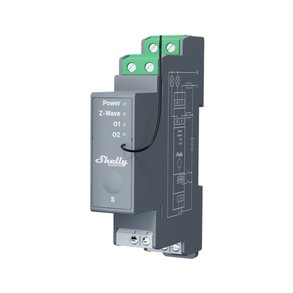
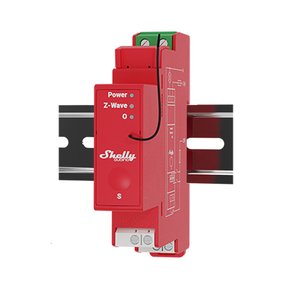
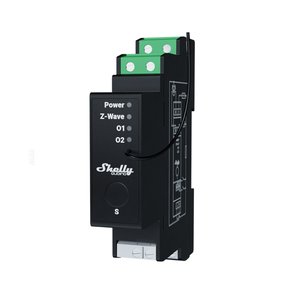
Shelly Qubino Wave Pro Shutter Z-Wave Blind Controller
- Z-Wave
- Motorised blinds, roller shutters, venetian blinds
- Up to 40 m
£129.99 inc VAT
SKU NE-RFID-FOB-BK · MPN RFID-FOB-BK
In stock, ships in 1 working day
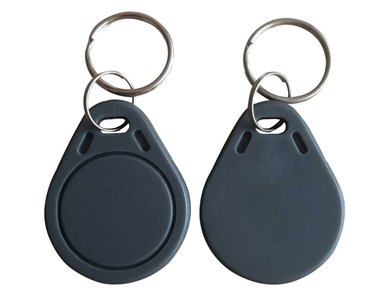
A blue 13.56MHz MIFARE EV1 1K key fob for access control, giving each person a personal credential that is simple to carry on a keyring.
Buying for a hotel or business? Request a bulk quote
| Technology | MIFARE EV1 1K |
|---|---|
| Frequency | 13.56MHz |
| Colour | Blue |
| Weight | 0.05 kg |
This MIFARE EV1 1K key fob is a 13.56MHz RFID credential in a blue case. It is made for access control systems that read MIFARE tags, so each member of staff or resident can carry their own fob to open a door or be logged at a reader.
Fobs suit offices, guest buildings, gyms and staff areas where each user needs an individual credential. The fob is small enough for a keyring, and the blue colour makes it easy to tell apart from cards held by other users.
Check that your reader or access controller supports MIFARE EV1 1K tags at 13.56MHz before ordering. The fob has no battery and needs no wiring, so issuing and replacing fobs is straightforward. Enrolment depends on your access control software, so follow the manufacturer’s guidance for adding new credentials.
Choose this fob if your access system already uses 13.56MHz MIFARE credentials and you want a personal token for each user. For other access options, browse our smart home accessories or ask GGG Technologies to help match a credential to your system.
It needs a reader or controller that supports MIFARE EV1 1K tags at 13.56MHz. Check your datasheet before ordering.
No. It is a passive RFID fob and is powered by the reader when held near it.
Enrolment depends on your access control software. Follow the manufacturer's guidance for adding credentials.